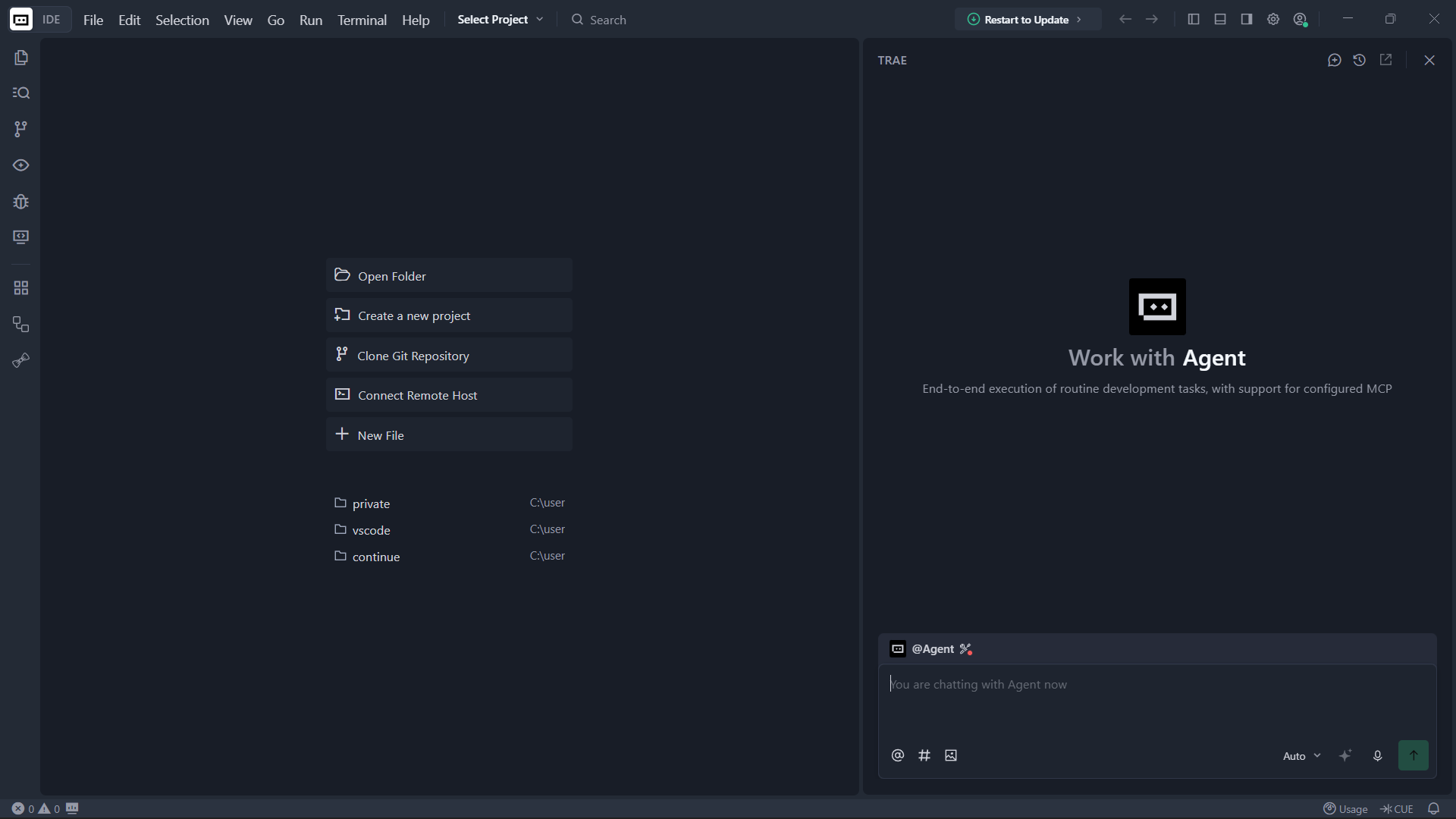
Sign In
Open the IDE and click the profile icon at the top-right to sign in.
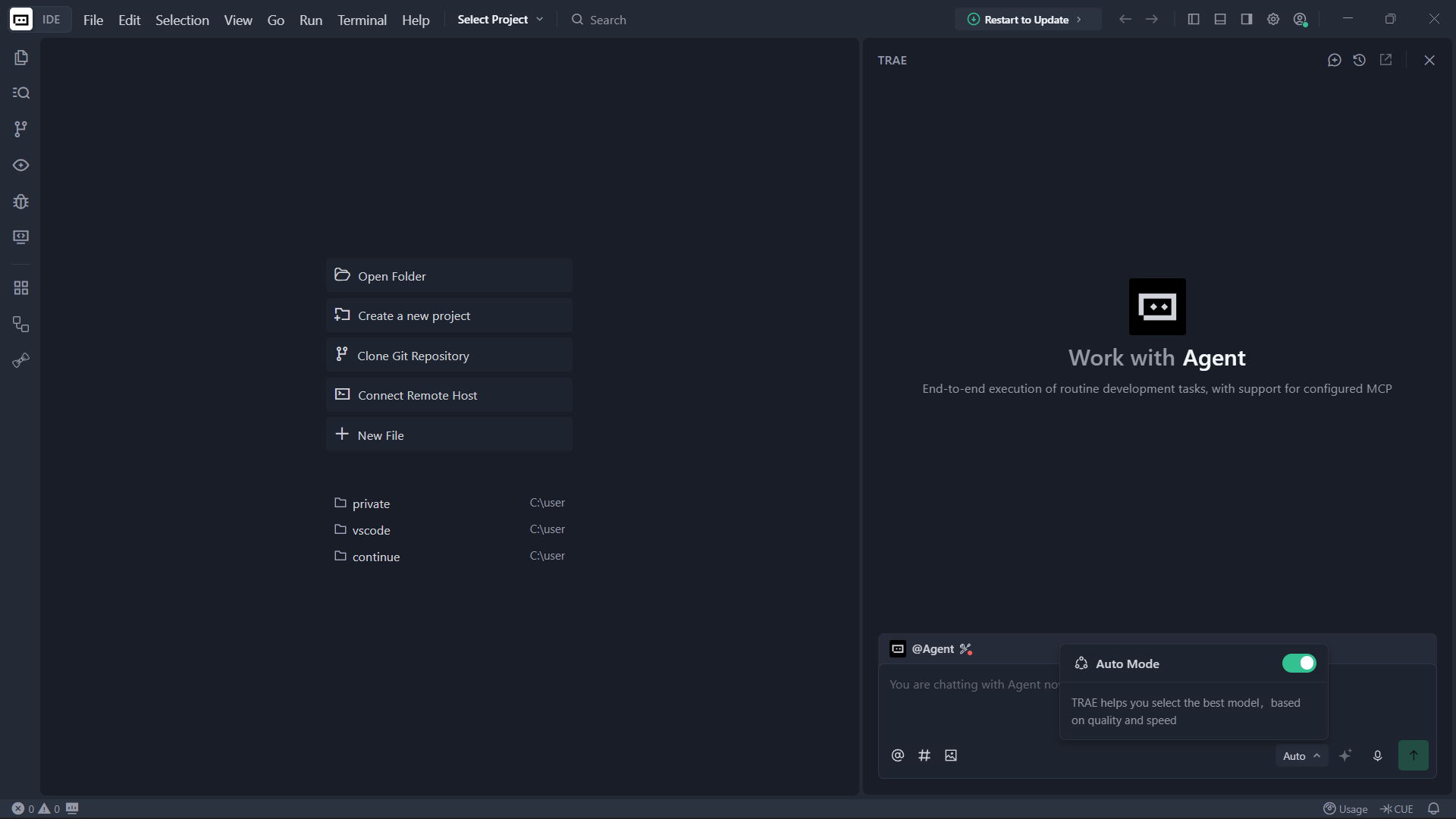
Disable Auto Mode
After creating your account, come back to the IDE. At the bottom of the chat panel, click the Auto button and turn off Auto Mode.
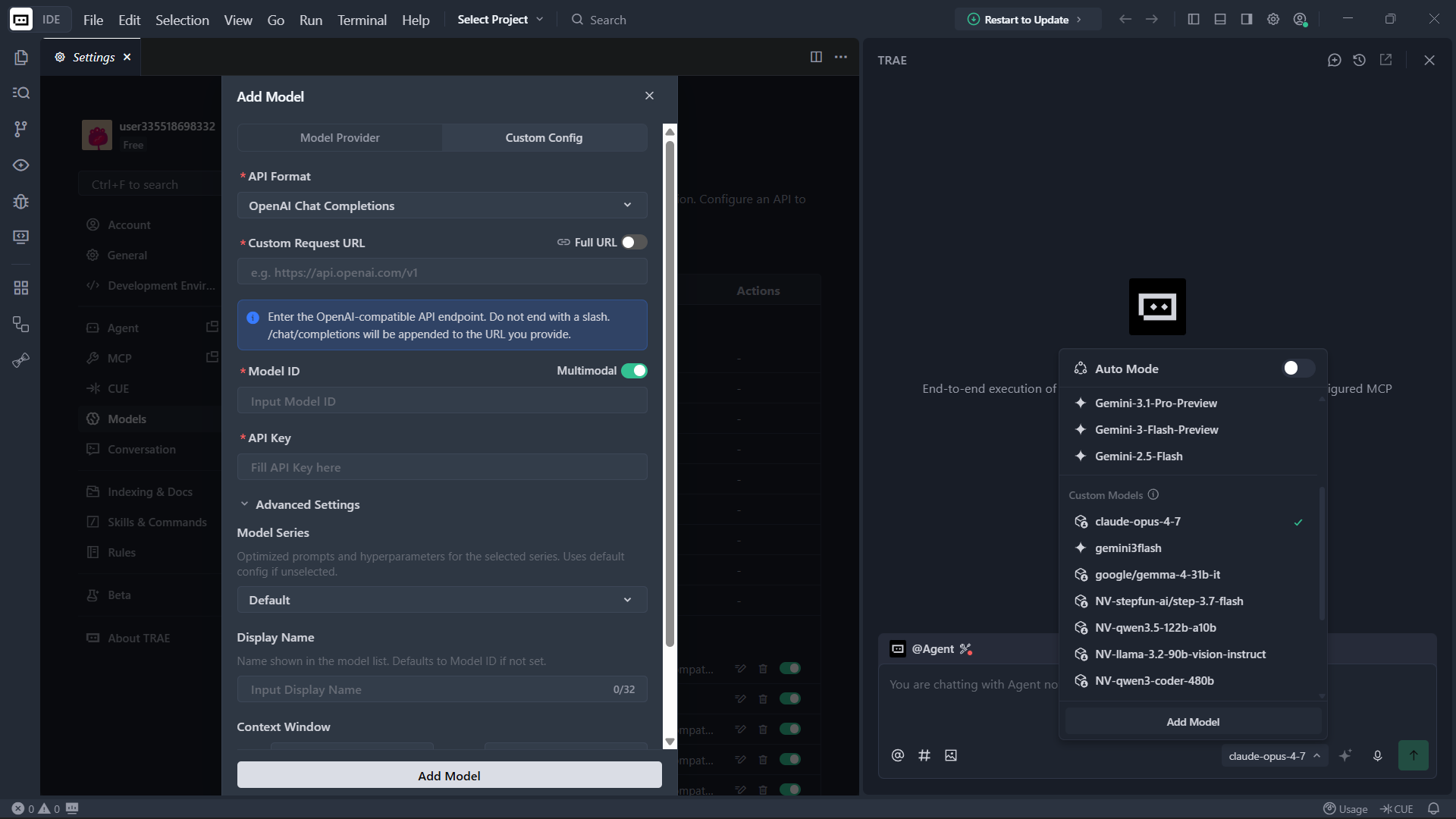
Add a Custom Model
Auto Mode disable karne ke baad, Add Model button par click karein. Modal khulne par Custom Config tab select karke neeche di gayi details bharein.
Get API Credentials
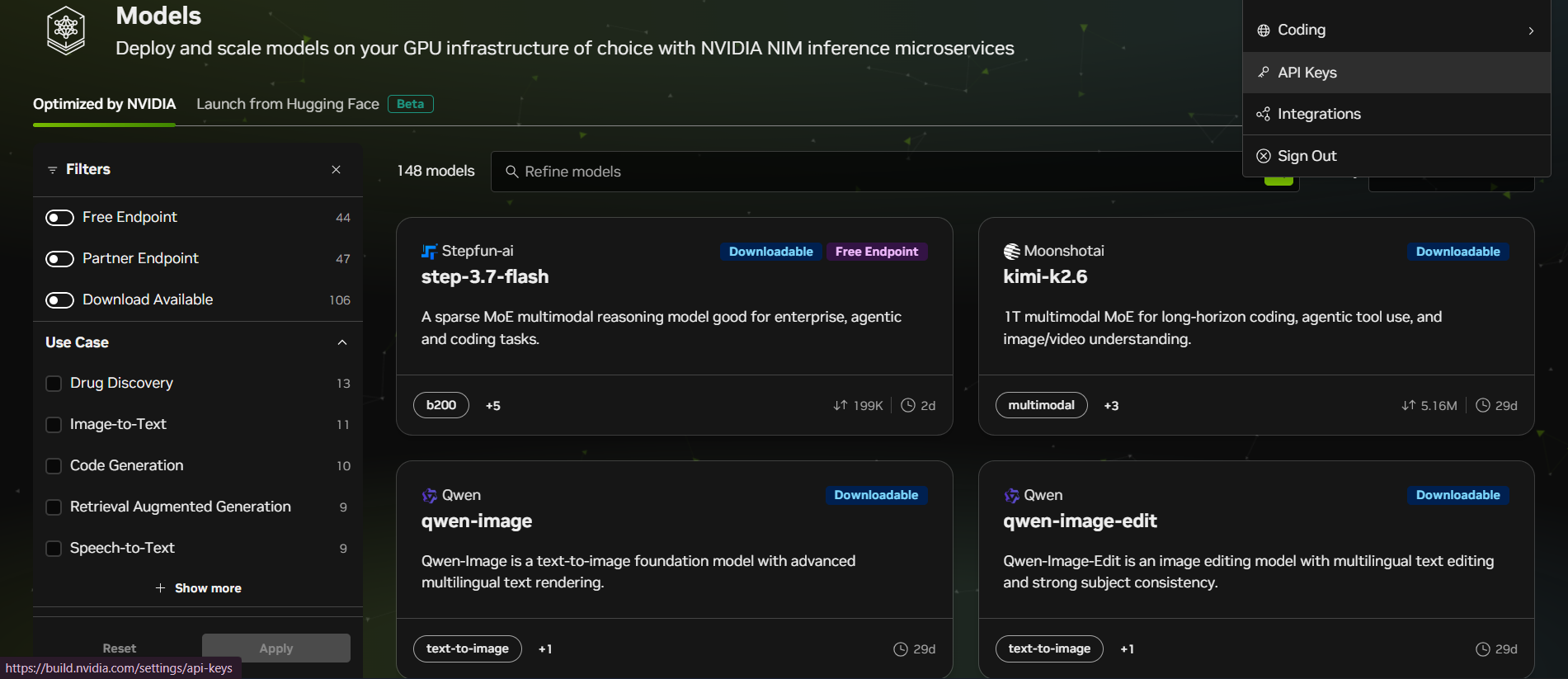
Kisi bhi AI API provider platform (jaise NVIDIA, Groq, OpenRouter, etc.) se API Key, Base URL, aur Model ID kaise lein.
Pro Tip: Har platform ka interface thoda different ho sakta hai, lekin basic process same rehta hai. Provider ki documentation zaroor check karein.
NVIDIA Models Use Karein
Note: NVIDIA par kafi load rehta hai, isliye pehle kam load wale models try karein jaise stepfun-ai/step-3.7-flash, qwen/qwen3.5-397b-a17b, qwen/qwen3-coder-480b-a35b-instruct, ya mistralai/mistral-large-3-675b-instruct-2512.
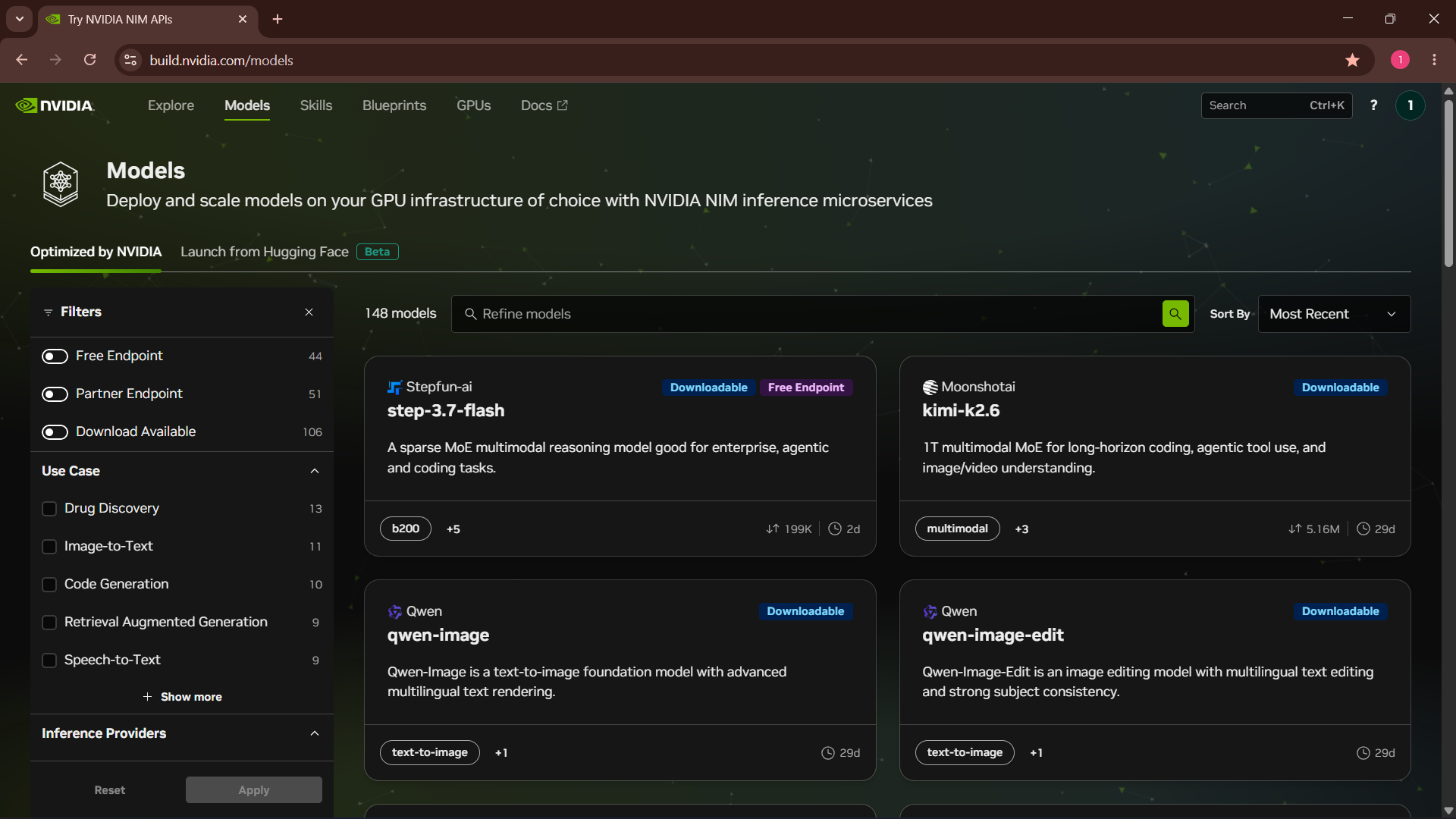
Model card par click karein aur Prototype section se Base URL aur Model ID copy karein.
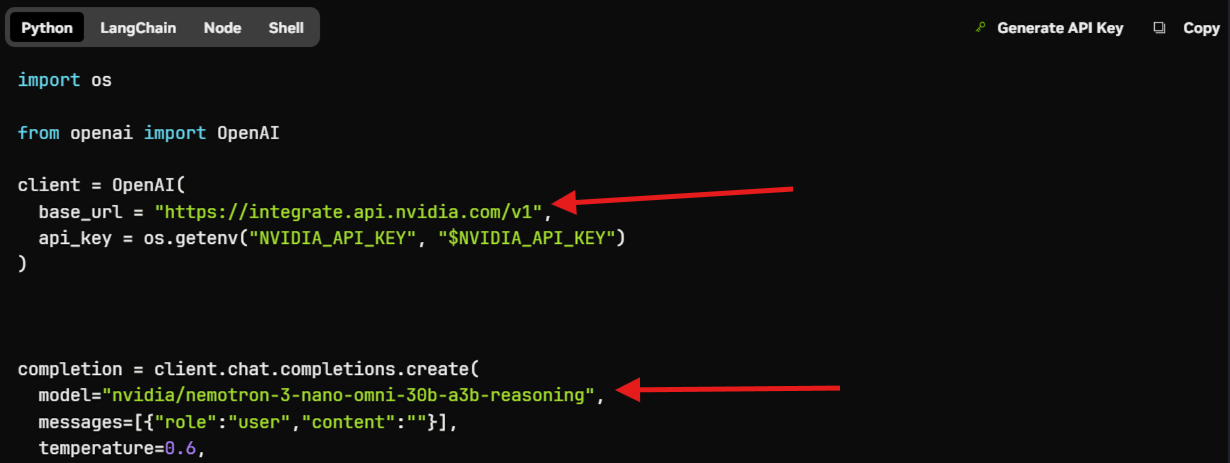
Top right corner mein profile icon par click karein, phir API Keys par click karke API key hasil karein.